How to get a backlink from npm

Backlink signals
Editorial estimates for comparing this provider.
- Dofollow links Usually nofollow
- No : We set this after checking whether the recommended backlink method on this provider typically outputs a dofollow link in the page HTML. If attributes vary by page type, we use the realistic default for that path and explain the nuance in the guide.
- Authority rating Editorial estimate
- 16/100 : We score the actual backlink surface—not the provider homepage—using Domain Authority when available, otherwise a conservative Backlink Badger editorial estimate. This approximate comparison number may not match third-party tools or the live page's real strength.
- Spam rating Lower is better
- 2/100 : We use spam score when we have a defensible value for the relevant domain or surface, otherwise a conservative Backlink Badger editorial estimate from platform quality and spam patterns. Treat it as an approximate comparison guide, not a guarantee of how search engines evaluate the site.
- Acquisition difficulty Lower is easier
- 60/100 : Backlink Badger assigns this 0–100 score from editorial review of signup friction, content requirements, approval gates, and account trust for the recommended path. It is an approximate comparison estimate, not a measured difficulty metric.
- Time estimate Typical setup
- ~45 min : We estimate the minimum minutes a prepared user needs to sign up, set up, and publish or submit the backlink, including obvious waiting steps we can reasonably predict. This Backlink Badger estimate is approximate—your first attempt or extra verification may take longer.
- Free option No required spend
- Yes : We mark Yes when the recommended backlink path can be completed without paying the provider for access, placement, or a required plan. If only paid tiers unlock the link, or payment is commonly required in practice, we mark No.
- Linking domains External signal
- ~1,200,000 : When shown, this optional count comes from SEO research on the provider or relevant backlink surface and is rounded with a ~ prefix on the page. It is a Backlink Badger estimate for comparison and may be outdated or imprecise versus live crawlers.
- Ranking keywords External signal
- ~850,000 : When shown, this count reflects researched ranking-keyword data for the provider domain or surface, displayed as an approximate ~ value. Treat it as a Backlink Badger comparison estimate that can drift as indexes and rankings change.
- Inbound links External signal
- ~1,200,000 : When shown, this is an optional researched count of inbound links to the provider or relevant surface, formatted as an approximate estimate. Backlink Badger includes it only when defensible—it is not live-crawled data.
- Outbound links External signal
- ~2,000,000 : When shown, this optional count estimates outbound links from pages on the provider domain to other sites, included only when researched and defensible. It is a Backlink Badger approximate comparison figure, not a real-time crawl.
npm works as a backlink source when the package itself is useful and the external link is part of normal package documentation or metadata. Common link locations include the package README.md, the homepage field, the repository field, and project documentation links shown on the public npm package page.
- Create or sign in to an npm account.
- Prepare a genuine Node.js package, CLI, SDK, template, plugin, or other JavaScript module that deserves a public registry listing.
- Add a relevant backlink in your
README.md, such as a documentation, demo, sponsor, author, or project homepage link. - Add appropriate package metadata in
package.json, especiallyhomepage,repository, andbugswhen those pages exist.
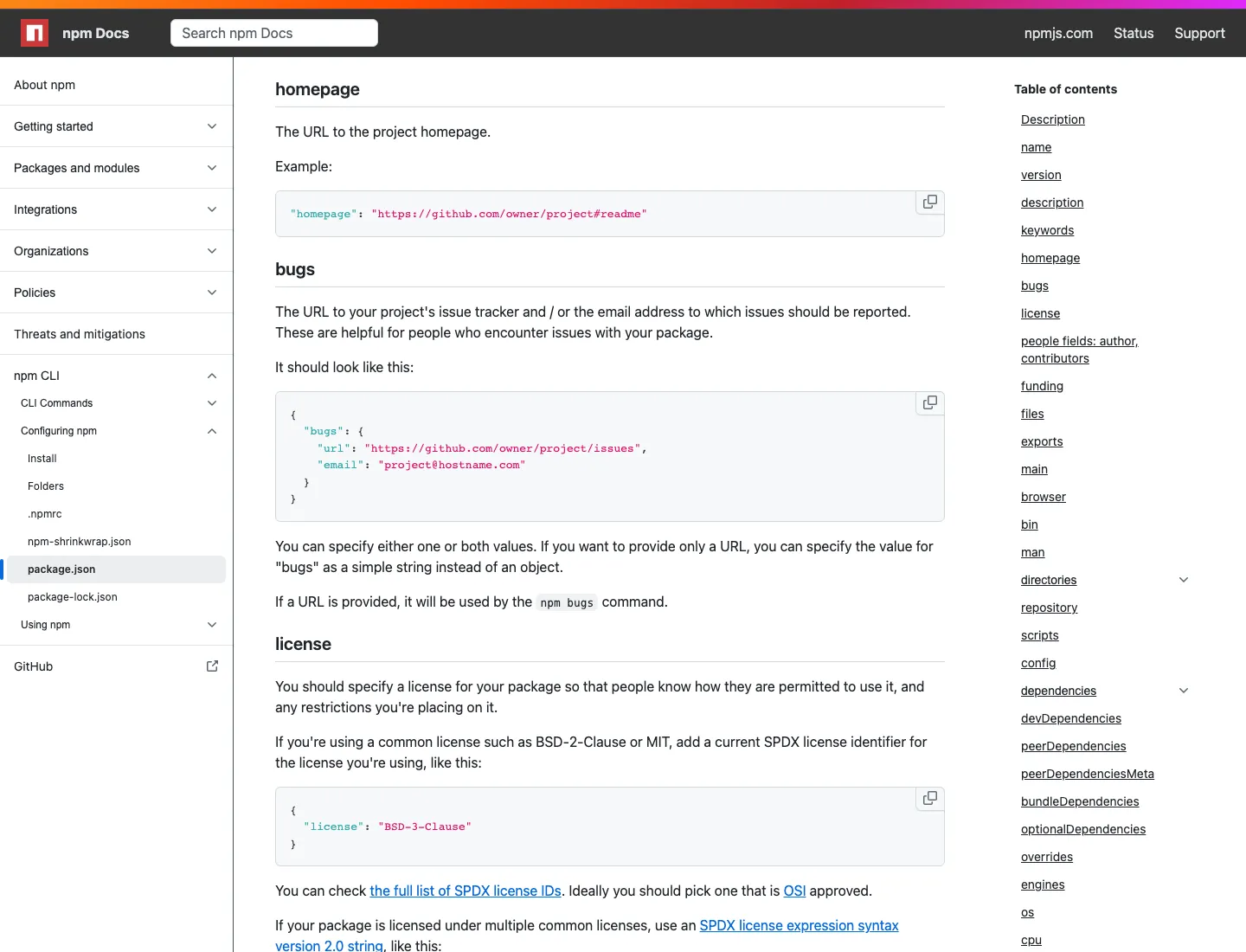
- Follow npm’s guide to create and publish an unscoped public package, then run
npm publish. - Visit the public package page at
https://www.npmjs.com/package/<package-name>and confirm the README or metadata link appears.
Example: the React package page exposes project metadata such as its homepage and repository, demonstrating the type of external references npm package pages can show.
Keep the package useful and maintained. npm is a software distribution registry first; backlink value is a by-product of publishing a legitimate package, not the reason to publish one.
Provider overview
npm is the public package registry for JavaScript and Node.js. Publishing a legitimate public package can create a public npm package page where your README, homepage, repository, and package metadata may point to an external project, documentation site, or company page.
Minimum requirements to get a backlink from npm
- npm account
- Node.js and npm CLI
- Publishable JavaScript package or module
Key challenges to get a backlink from npm
npm is only suitable when you have a real JavaScript package, CLI, SDK, template, or reusable module to publish. Thin packages created only for a backlink can be reported or removed, and package pages are user-generated content, so links should be treated as nofollow or low-control SEO signals. You also need to maintain package metadata and avoid publishing names that infringe on existing projects.