
How to get a backlink from Scoop.it?
Scoop.it is useful when your link can be framed as a curated resource, not when you just need a bare profile URL. The best path is to create a topic page, add a relevant external article or resource, and write enough context that the scoop looks like editorial curation rather than a link drop.
Best method: publish a curated external link on a topic page
- Start at Scoop.it’s account creation page and create an account.
- Create a topic or publication page around a narrow subject. Scoop.it’s help center has current docs for creating a topic and publishing content.
- Add the external URL you want to curate. Use a page that genuinely fits the topic; a homepage link with no surrounding value is easier to ignore or remove.
- Write a short summary or comment that explains why the link belongs in the collection.
- Publish the scoop and check the public profile or topic page while logged out.
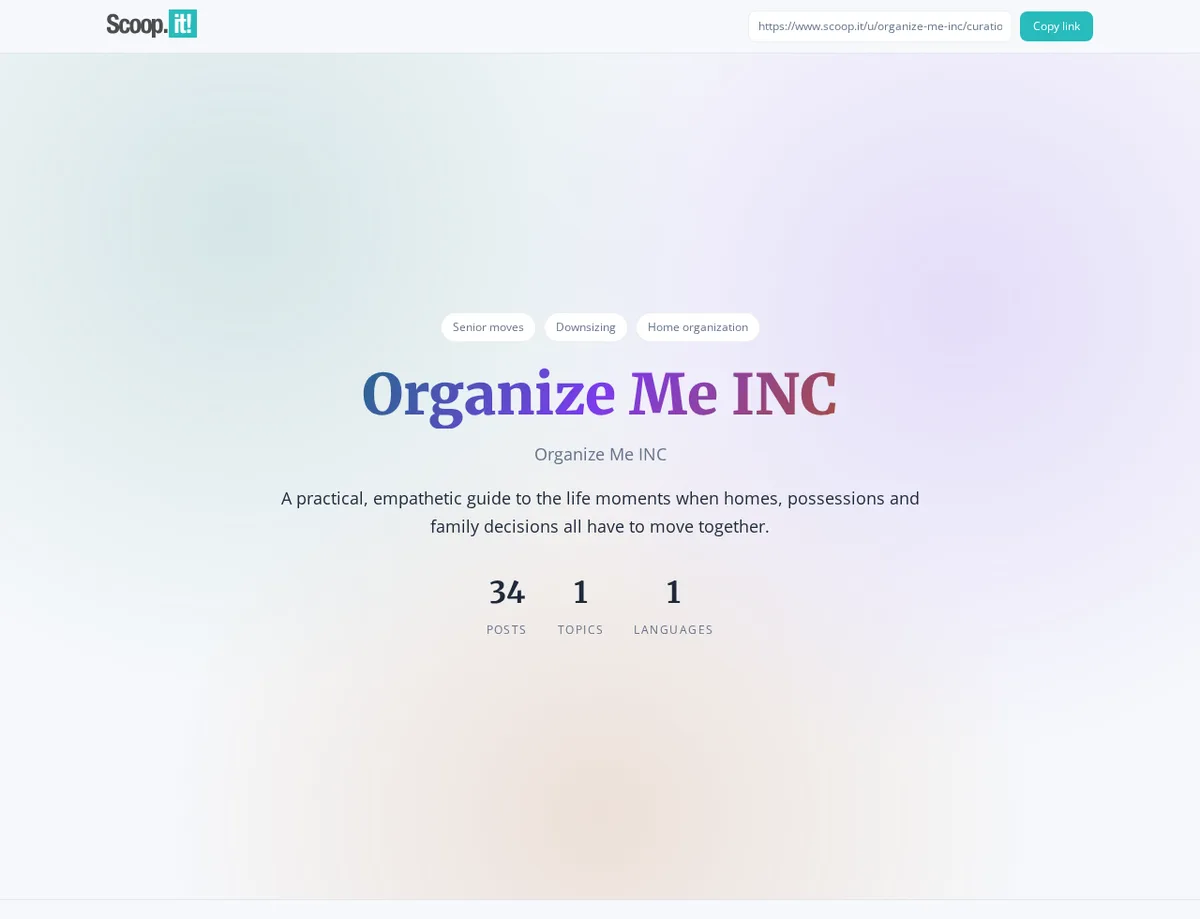
A current public curation profile shows direct external article links inside the page, such as Organize Me INC’s curated resources:
Link attribute and SEO value
On the inspected example page, Scoop.it rendered external links directly to the source domain with rel="noopener". The fetched HTML did not include nofollow, ugc, or sponsored on those anchors, so the curated-resource method is dofollow-looking.
Do not overvalue the Free plan, though. Scoop.it’s pricing page describes Free as Visible in only Scoop.it, while Pro adds Indexed and visible on the web. If your goal is a crawlable public backlink rather than internal Scoop.it visibility, verify the published page from a logged-out browser and expect the paid Pro tier to matter.
What to avoid
Do not create a generic topic just to publish one promotional link. Scoop.it works best when the topic has a clear theme and the linked resource helps the reader. Use the curated item to point at a useful article, guide, case study, or resource page, then add a short explanation that would make sense even if you did not own the destination site.
Backlink signals
Editorial estimates for comparing this provider.
- Dofollow linksCan pass equityWe set this after checking whether the recommended backlink method on this provider typically outputs a dofollow link in the page HTML. If attributes vary by page type, we use the realistic default for that path and explain the nuance in the guide.
- Yes. We set this after checking whether the recommended backlink method on this provider typically outputs a dofollow link in the page HTML. If attributes vary by page type, we use the realistic default for that path and explain the nuance in the guide.
- Backlink valueEditorial estimateBacklink value is our 0-100 editorial estimate of how much authority a page you create here would actually carry. We score the page you would end up with - not the provider homepage - from how strongly the platform links to and indexes that page type, how much editorial review stands behind it, and what comparable pages are worth in practice. Most new pages anywhere are worth little; a few platforms hand a fresh page real strength straight away. It is a comparison estimate, not a measurement, and it will not match any third-party tool.
- 3/100. Backlink value is our 0-100 editorial estimate of how much authority a page you create here would actually carry. We score the page you would end up with - not the provider homepage - from how strongly the platform links to and indexes that page type, how much editorial review stands behind it, and what comparable pages are worth in practice. Most new pages anywhere are worth little; a few platforms hand a fresh page real strength straight away. It is a comparison estimate, not a measurement, and it will not match any third-party tool.
- Spam ratingLower is betterWe use spam score when we have a defensible value for the relevant domain or surface, otherwise a conservative Backlink Badger editorial estimate from platform quality and spam patterns. Treat it as an approximate comparison guide, not a guarantee of how search engines evaluate the site.
- 2/100. We use spam score when we have a defensible value for the relevant domain or surface, otherwise a conservative Backlink Badger editorial estimate from platform quality and spam patterns. Treat it as an approximate comparison guide, not a guarantee of how search engines evaluate the site.
- Acquisition difficultyLower is easierBacklink Badger assigns this 0–100 score from editorial review of signup friction, content requirements, approval gates, and account trust for the recommended path. It is an approximate comparison estimate, not a measured difficulty metric.
- 38/100. Backlink Badger assigns this 0–100 score from editorial review of signup friction, content requirements, approval gates, and account trust for the recommended path. It is an approximate comparison estimate, not a measured difficulty metric.
- Time estimateTypical setupWe estimate the minimum minutes a prepared user needs to sign up, set up, and publish or submit the backlink, including obvious waiting steps we can reasonably predict. This Backlink Badger estimate is approximate - your first attempt or extra verification may take longer.
- ~25 min. We estimate the minimum minutes a prepared user needs to sign up, set up, and publish or submit the backlink, including obvious waiting steps we can reasonably predict. This Backlink Badger estimate is approximate - your first attempt or extra verification may take longer.
- Free optionNo required spendWe mark Yes when the recommended backlink path can be completed without paying the provider for access, placement, or a required plan. If only paid tiers unlock the link, or payment is commonly required in practice, we mark No.
- Yes. We mark Yes when the recommended backlink path can be completed without paying the provider for access, placement, or a required plan. If only paid tiers unlock the link, or payment is commonly required in practice, we mark No.
Provider overview
Scoop.it is a content curation platform where users create topic pages and publish links with short commentary. A public curation profile can contain direct links to the original external resources, but web-indexed visibility is tied to paid plans.
Minimum requirements to get a backlink from Scoop.it
- Scoop.it account
- Topic page
- Relevant URL to curate
Key challenges to get a backlink from Scoop.it
- Plan visibility: The Free plan says publications are visible only inside Scoop.it, while Pro is the tier that says pages are indexed and visible on the web.
- Curation quality: Thin self-promotion is a weak fit; the link should belong in a real topic page with useful context.
- Editor access: The publishing UI requires an account, so plan for signup and topic setup before adding links.